
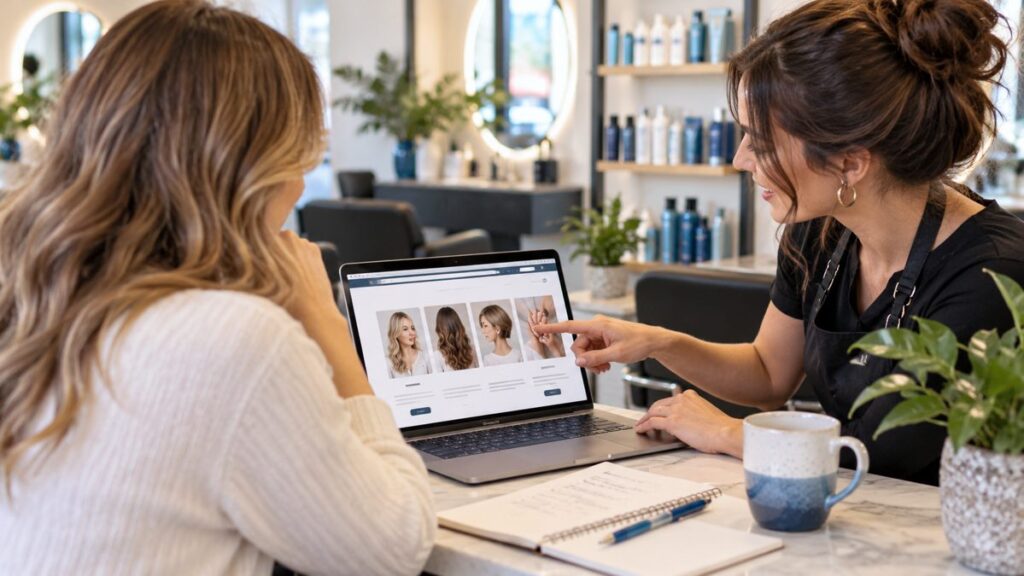
A useful Munster salon website helps new clients choose the right service or recognize when they need a consultation. Explain appointment names, introduce the team, and connect each option to an accurate booking or inquiry route. A visually appealing gallery works best when visitors also understand what to select.
Existing clients may know your menu well. Someone visiting for the first time may not understand the difference between similar service names, which stylist to choose, or whether the pictured result fits a standard appointment. Your website can make that first decision easier.
Translate the service menu into client language
Review the service names with the people who handle new-client calls. Identify terms that regularly need explanation and add concise descriptions. Keep the language accurate to the work your salon provides.
A hypothetical salon might distinguish a routine maintenance appointment from a more involved color consultation. The page should explain the relevant difference rather than rely on an unfamiliar package name.
Organize related services so clients can compare them. Avoid a long, ungrouped list that mixes different appointment types without context. The goal is to help someone find a suitable starting point, not make them become an expert before booking.
Plan a Munster salon website for first-time visitors
Gather the details that answer the common questions before an appointment:
- Service: What does the appointment include?
- Consultation: When should the client speak with the team first?
- Stylist: How can a new client identify an appropriate provider?
- Price: What does the listed amount mean?
- Timing: How is the appointment length confirmed?
- Arrival: What location and preparation information is useful?
Use the business’s approved policies and process. Do not copy another salon’s requirements simply because they look complete in a template.
Explain consultation requests clearly
Identify the service situations your team prefers to review before booking. Tell clients what the consultation is for and how to arrange it. Use a practical explanation rather than making the process sound like a barrier.
If reference photos help your conversation, explain when and how clients can share them. A reference image can communicate an idea without guaranteeing that the same result is available in a standard session.
Keep individualized service or suitability questions with the appropriate professional. The website can explain your process without offering a personal assessment from a general description.
Make prices and package differences readable
When showing prices, identify the service and relevant conditions. If an amount is a starting price or varies by approved factors, explain that near the listing. Do not make clients discover the basic condition after booking.
Keep optional work and separate services distinct. A client should understand whether the appointment selection includes the full work they want or whether another step is required.
If the salon uses different arrangements by stylist, explain how visitors confirm the applicable option. The website and booking system should not present conflicting menus or amounts.
Introduce stylists with useful context
Use current, approved photos and concise biographies. Explain the services or areas of focus each person actually provides. Verify qualifications and experience before publication.
Help a new client understand whether they should choose a person directly or ask the salon for guidance. If the team handles matching during an inquiry, describe that process accurately.
Keep the staff list current. A portfolio associated with someone who no longer works at the salon can create confusion unless the context is clear and the use is appropriate.
Connect your gallery to the service
Use approved work examples with captions that explain the relevant service. Avoid presenting every photo as a result that can be reproduced for every client in the same appointment.
Choose representative images rather than filling the page with similar shots. A visitor should be able to understand the range and then find the next step. Keep private client details out of public captions.
Stock or generated images can serve an illustrative role, but they should not be presented as proof of your team’s completed work. Your actual portfolio should support the service story honestly.
Test the booking path from the website
Open the site on a phone and follow the route for a new client. Confirm that the button reaches the correct salon, service menu, and booking destination. Check the business identity shown by any external tool.
If the website sends a request for review, label it as a request. If the system confirms an appointment, the service and time should match the client’s selection. Review the acknowledgment and staff notification through a planned test.
Make it easy to ask a question when someone cannot identify the right option. A clearly monitored contact route can prevent an unsuitable appointment from being selected just to reach a person.
Keep location and policy information current
Provide accurate arrival details for the actual location. Check the address, phone number, and hours shown in the places your business manages. If an individual provider works through a different arrangement, describe it clearly.
Review preparation, cancellation, and rescheduling information with the person responsible for operations. The website should reflect the policy the business has adopted and keep its current version easy to find.
When the service menu changes, update the site and booking workflow together. An attractive page cannot resolve a mismatch between the advertised appointment and the option a client can reserve.
Use content to answer new-client questions
Write about your actual consultation process, how to read the menu, or what to expect at the first visit. Have the service team review the details. These topics can support better inquiries without making a broad promise about every result.
Google’s helpful-content guidance emphasizes information that benefits the intended reader. For a salon site, the reader should leave with a clearer appointment decision and a practical next step.
Common salon website questions
Can I keep my current booking tool?
Discuss how it connects to the new site and whether the service menu remains accurate. A redesign does not automatically require replacing it.
Should the homepage show every service?
Give an overview and a clear route to the full menu. Keep the opening readable and useful to a first-time visitor.
Do I need a large gallery?
A focused set of approved examples can be enough. Clear service information and a working contact path matter too.
Make the first salon appointment easier to choose
Tell GBN Web Designs about your Munster salon and booking process. Our $64.99/month website and marketing offer includes a five-page website, local SEO support, blogging, Google Business Profile support, and Facebook support. The $100 setup fee is waived; new domain registration is $25 if needed. Specialized booking integrations need a separate scope discussion.